

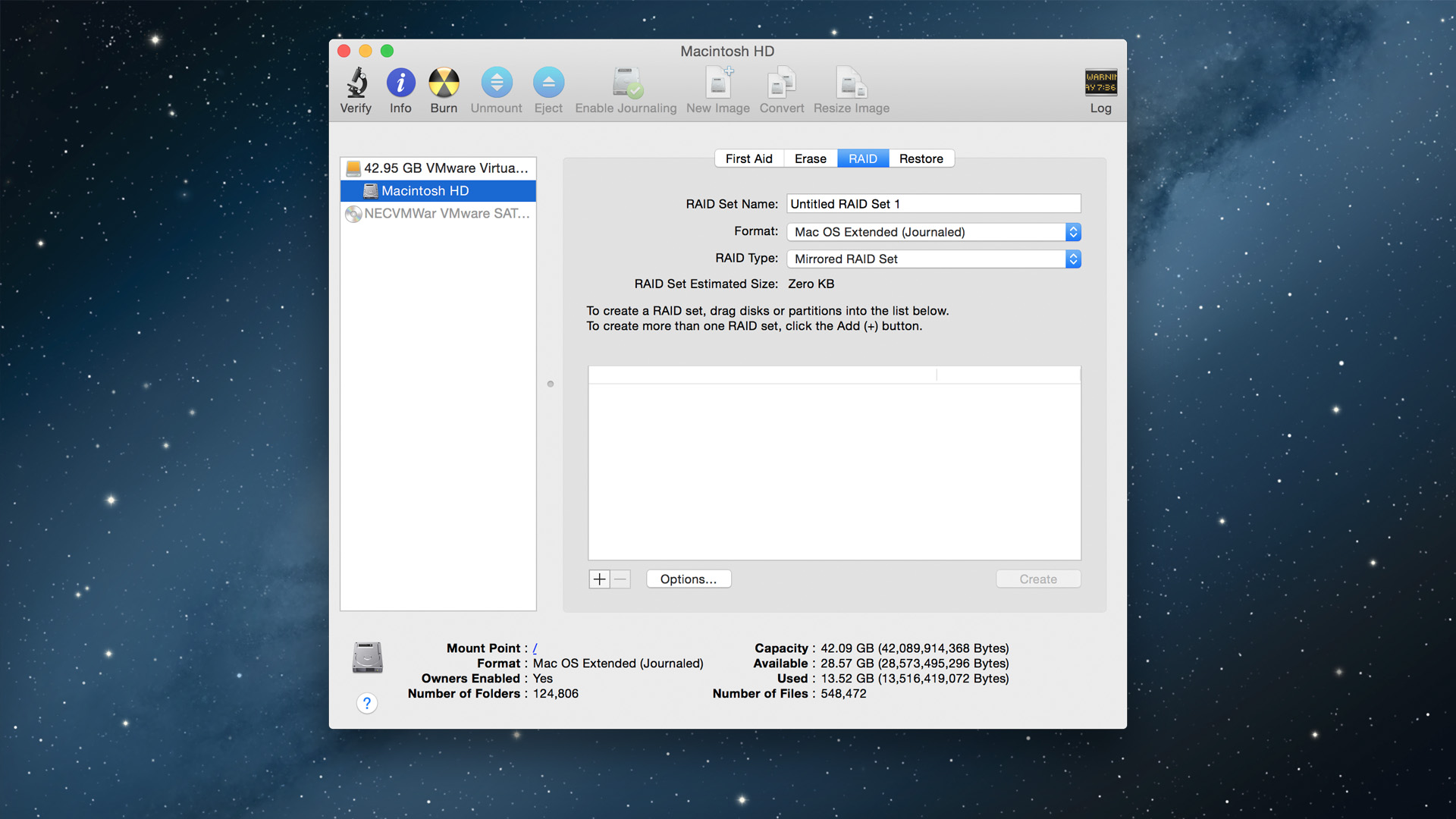
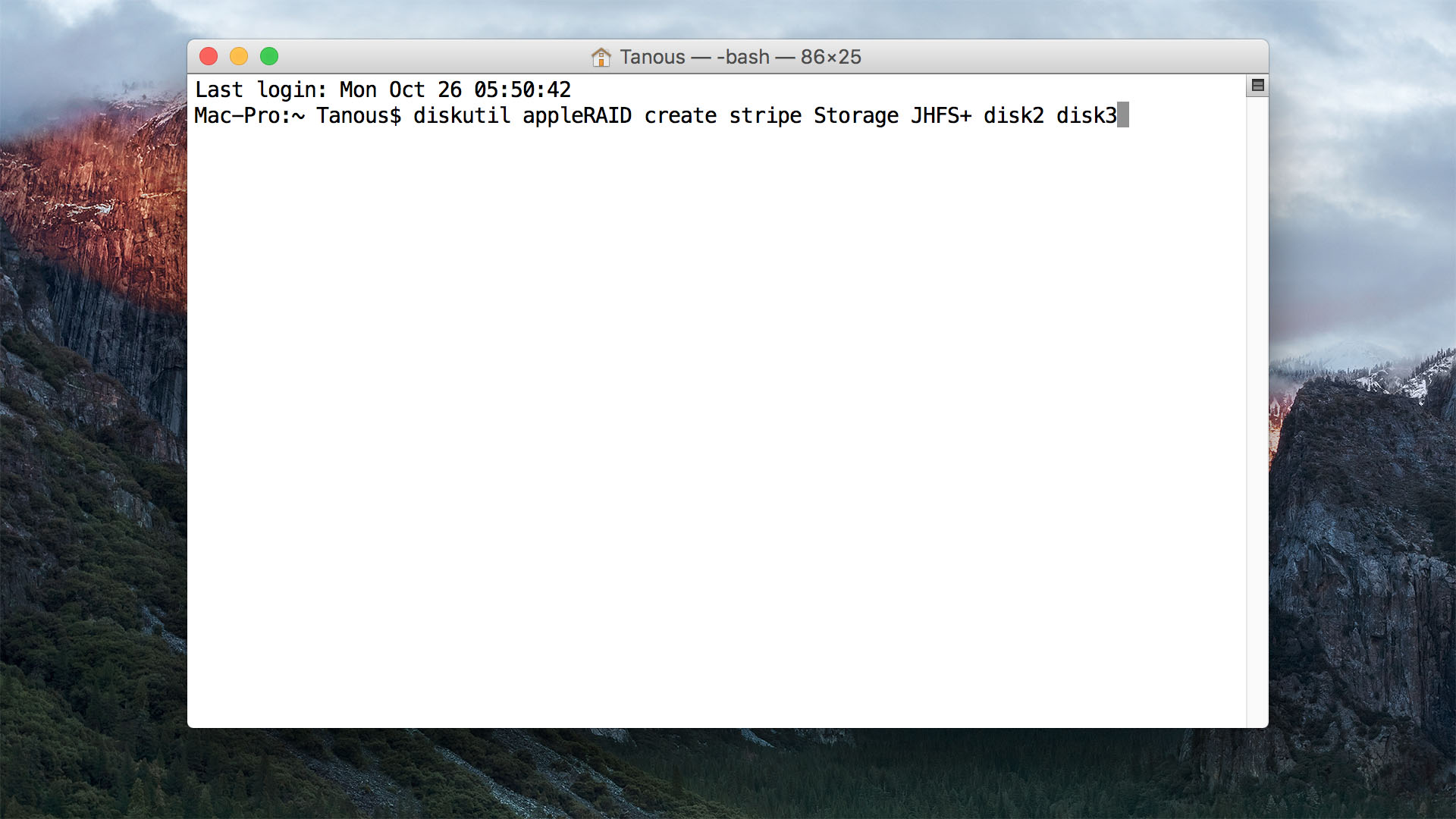
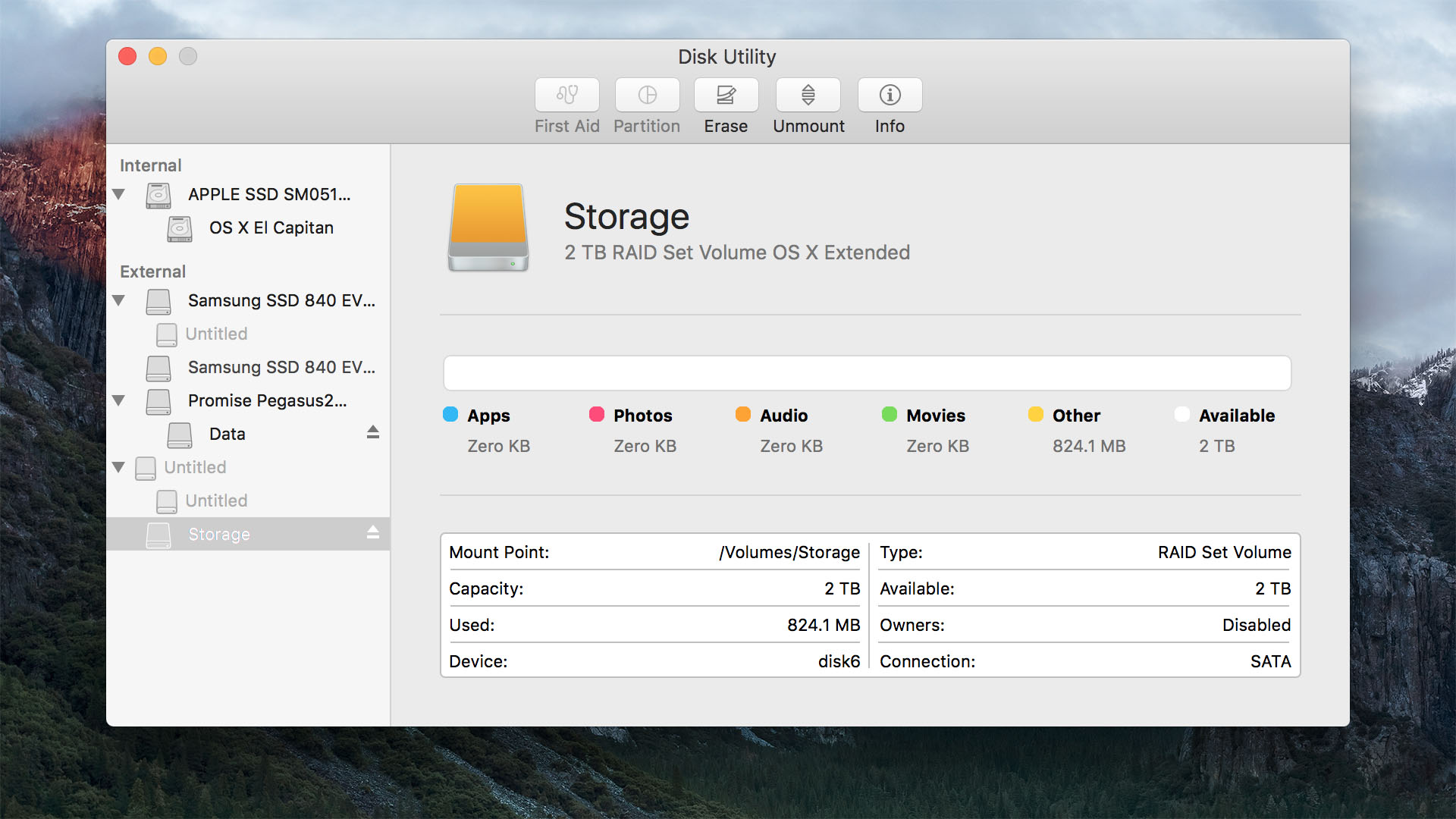
To create a RAID 0 array in Terminal, the following command should work:
diskutil appleRAID create stripe [arrayName] JHFS+ disk0 disk1
Change arrayName to what you want the volume to be called, like “Macintosh HD”. Use quotes if you want a space in the name. You may need to change the disk numbers, you can find these by typing “diskutil list”.
To create a RAID 1 array in Terminal, the command should like this:
diskutil appleRAID create mirror [arrayName] JHFS+ disk0 disk1
Create RAID on MAC OSX in Terminal