


Objective
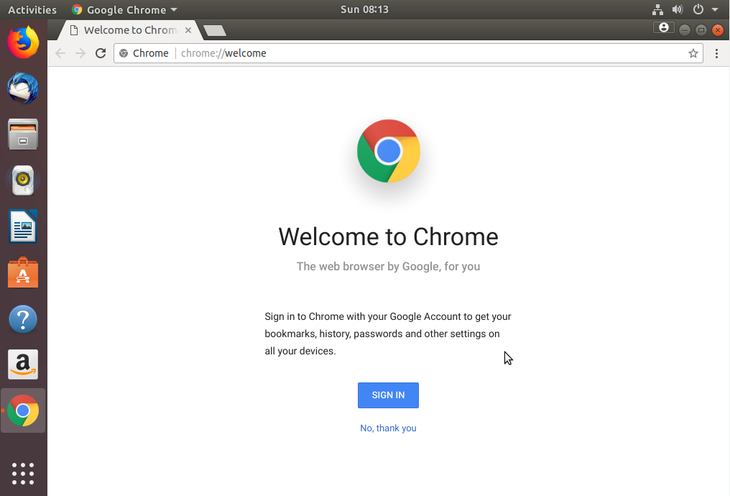
The objective is to install the Google Chrome web browser on Ubuntu 18.04 Bionic Beaver Linux
Operating System and Software Versions
- Operating System: – Ubuntu 18.04 Bionic Beaver 64-bit
Requirements
Privileged administrator/root access is required to install this software.
Difficulty
EASY
Conventions
- # – requires given linux commands to be executed with root privileges either directly as a root user or by use of
sudocommand - $ – requires given linux commands to be executed as a regular non-privileged user
Instructions
Install prerequisites
The simplest way to install an external package, like in this case the Google CHrome web browser, is by use of the gdebi command. Open up terminal and install the gdebi package using the following linux command:
$ sudo apt install gdebi-core
Download Google Chrome
Next, use the wget command to download the Google Chrome package:
$ wget https://dl.google.com/linux/direct/google-chrome-stable_current_amd64.deb
Install Google Chrome
To install the Google Chrome package on Ubuntu 18.04 Bionic Beaver using the gdebi command is as simple as:
$ sudo gdebi google-chrome-stable_current_amd64.deb
When asked Do you want to install the software package? [y/N] answer y.
Start Google Chrome
Regardless of your graphical user interface you can always start Google Chrome from the terminal by executing:
$ google-chrome
Alternatively, GNOME users can click on Activities and search for chrome.