

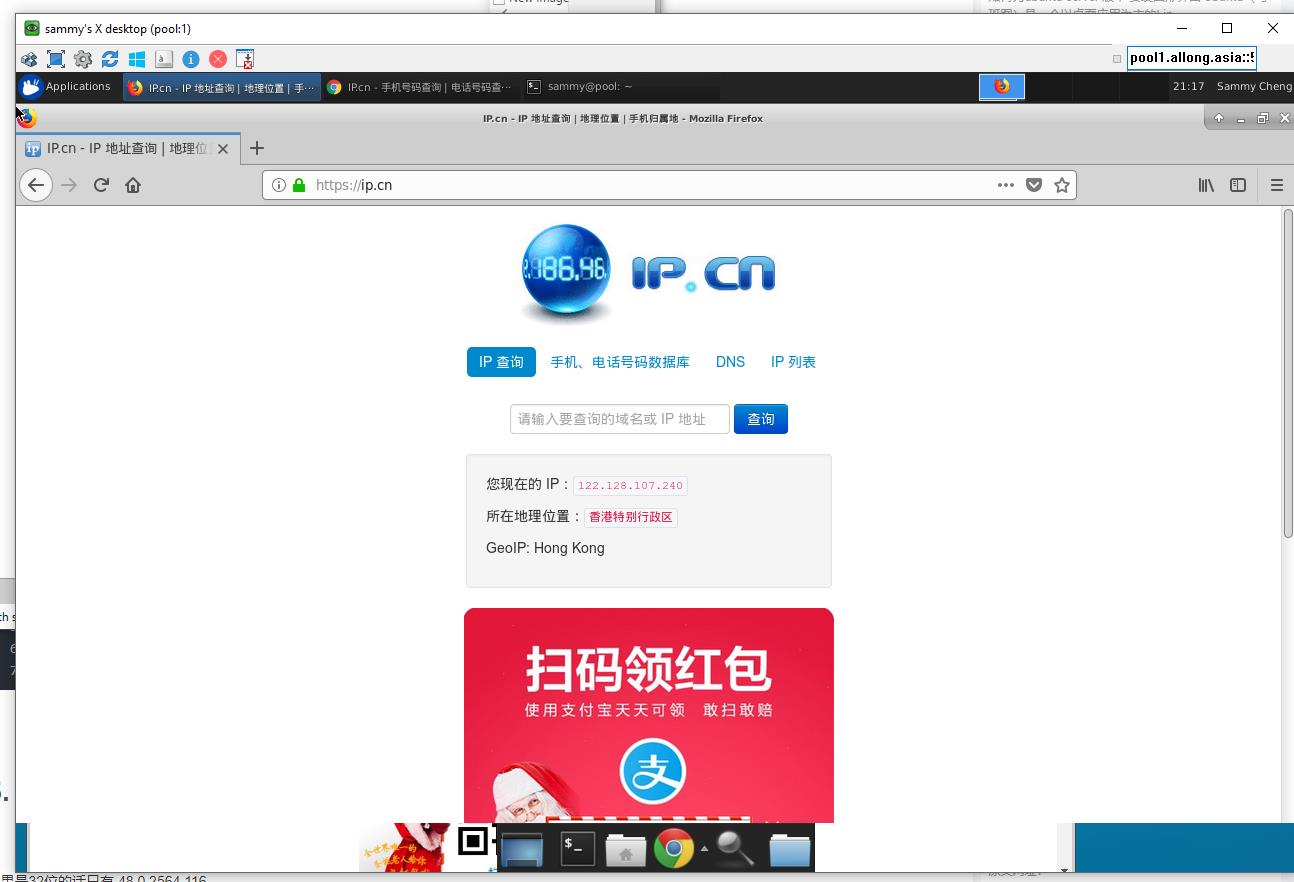
Ubuntu Linux Server 一定要装英文, 不然安装了 xfce4 会因为缺少中文字体支持导致一系列问题
先安英文慢慢汉化
sudo apt-get install xfce41.启动 XFCE4
startx2.配置中文环境
(1) 安装字体
sudo apt-get install language-pack-zh-hans/
把windows的字体复制到linux上

把/Windows/Fonts/ 的想要的字体复杂到这个目录/usr/share/fonts/windows/

安装字体管理器
sudo apt-get install font-manager(2).配置语言环境
sudo vim /etc/default/locale改成下面这样
LANG="zh_CN.UTF-8"
LANGUAGE="zh_CN:zh:en_US:en"
(3). 更新配置
sudo dpkg-reconfigure locales
sudo fc-cache -fv
(4).安装输入法
这里使用fcitx管理
sudo apt-get remove fcitx*
sudo apt-get autoremove
sudo add-apt-repository ppa:fcitx-team/nightly
sudo apt-get install fcitx-config-gtk fcitx-sunpinyin fcitx-googlepinyin fcitx-module-cloudpinyin
sudo apt-get install fcitx-table-all
步骤一定要全部执行
———————
作者:betwater
来源:CSDN
原文:https://blog.csdn.net/betwater/article/details/53454873
版权声明:本文为博主原创文章,转载请附上博文链接!